

One thing, not another list
Give one easy-to-forget thought a visible place without turning it into a task system.
A quiet visual reminder
Current Card is for things that can wait and are easy to forget. Put one on a card and let it stay where you already look—without an alarm or reminder sound.
Try that little bookstore sometime.
Current Card
Give one easy-to-forget thought a visible place without turning it into a task system.
See it in Widgets and supported system surfaces. Start a temporary Live Activity only when you want a little more presence.
The app has no account, advertising, analytics, or tracking. iCloud sync stays off unless you choose to turn it on.
Current Card is designed for iPhone and iPad, and supports English, Japanese, Korean, Simplified Chinese, and Traditional Chinese.
Ordinary device use gives you another natural chance to notice it—without a countdown, manufactured urgency, or asking whether the thought is finished.
The whole Current Card
Revisit a card, choose its look, or show a few words to someone else. Keep the same card close across your Apple devices.
From familiar colors to ink, paper and light. Choose the surface that feels like yours.
Pinned Paper, Luminous and Print Studio can each be bought separately. Pro includes every current and future theme.
See how it works 1.2.0 · Available now ↗Show where you are, share a short message, or cheer someone on. Open a card full screen, or let the words flow in one continuous line.
See how it works
Keep the card’s words and its character together. Arrange up to three cards in one image, move them into place, and choose from your unlocked themes.
Back notes and photos are included only when you choose them. Sharing leaves your original cards as they are.
See how it works 1.2.0 · Available now ↗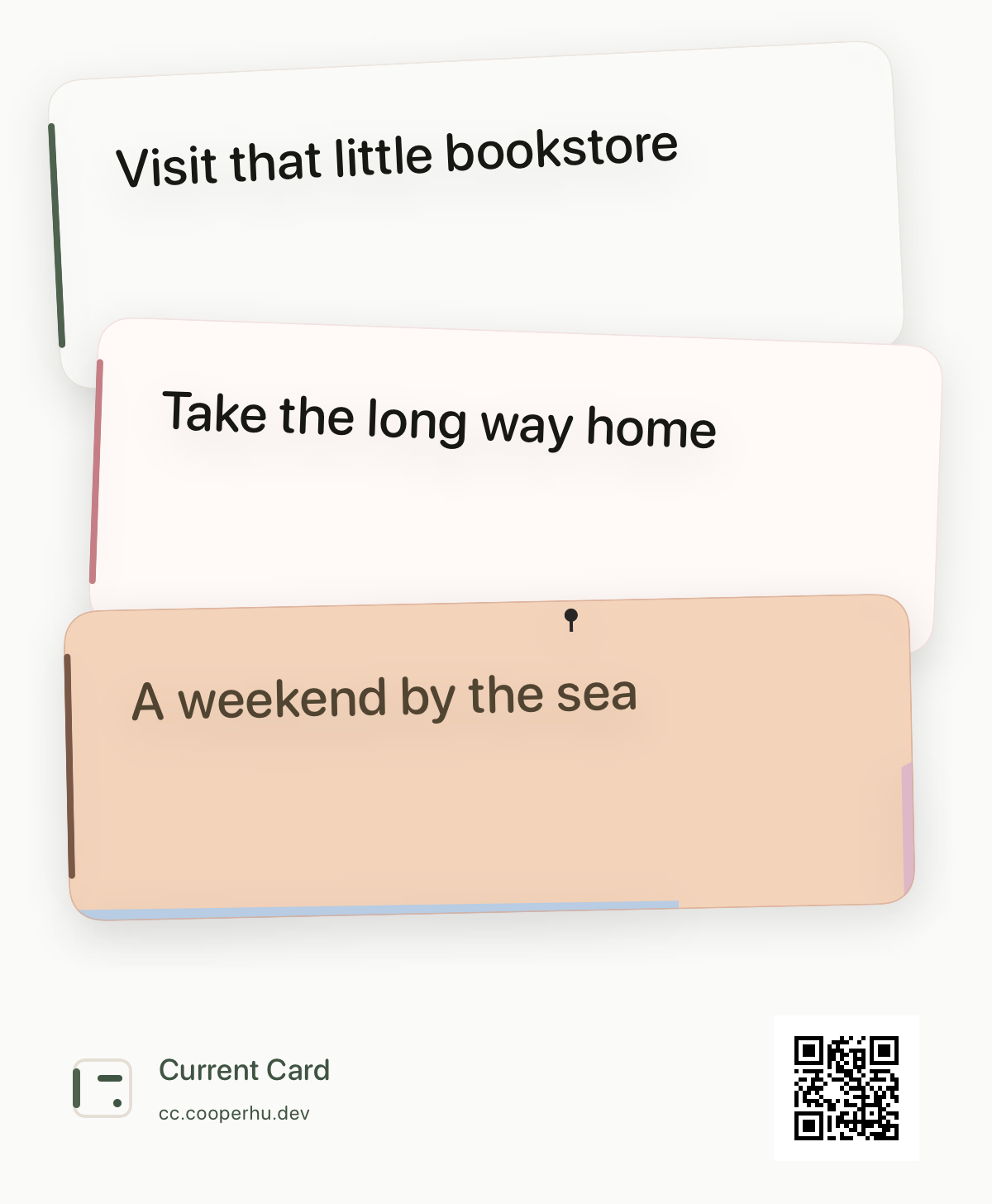
Where you already look
The same card can appear quietly on the surfaces you choose. Exact availability follows your Apple devices, system settings, and Live Activity support.
Choose a supported Widget and notice the current card again without opening the app.
When you start Keep in sight, a temporary Live Activity can appear on supported iPhone, iPad, Apple Watch, and Mac surfaces.
The same card remains legible across supported light, dark, and Always-On appearances.
Let go removes the card from Now and supported visible surfaces without asking whether the underlying thought is finished.
Exact surfaces depend on your iPhone and system settings. People nearby may see visible card text.
Set it up once. Then write, keep it in sight, and let go in your own way.
Available now
Open the App Store on this device, or scan the code with an iPhone.
 Scan with the Camera app, or press and hold the code on iPhone.

Independent maker
Current Card is independently designed and built by Cooper Hu. Follow the work or join the Discord to share feedback and ideas.